No edit summary |
(→Return) |
||
| Line 8: | Line 8: | ||
* {{Code|color}} (default: {{Code|blue}}) controls the color of the background. The valid options are: {{Box/Color}} | * {{Code|color}} (default: {{Code|blue}}) controls the color of the background. The valid options are: {{Box/Color}} | ||
==Return== | ==Return== | ||
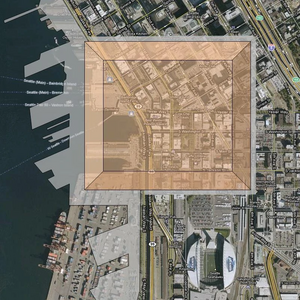
{{Code|<nowiki>{{Imagebox|Scire-footprint-overlay.webp}}</nowiki>}} returns | {{Code|<nowiki>{{Imagebox|Scire-footprint-overlay.webp|float=left}}</nowiki>}} returns the image box on the left, and | ||
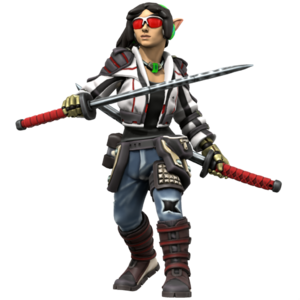
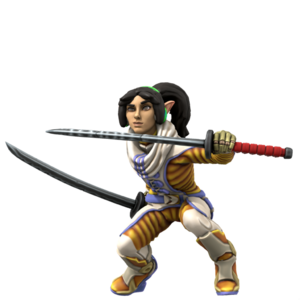
{{Code|<nowiki>{{Imagebox|shirayuri-jacket-p.png; shirayuri-jumpsuit-p.png; shirayuri-violinist-p.png|color=yellow}}</nowiki>}{ returns the box on the right: {{Return|{{Imagebox|Scire-footprint-overlay.webp|float=left}}{{Imagebox|shirayuri-jacket-p.png; shirayuri-jumpsuit-p.png; shirayuri-violinist-p.png|color=yellow}}{{Lorem Ipsum}}{{Lorem Ipsum}}}} | |||
{{Code|<nowiki>{{Imagebox|shirayuri-jacket-p.png; shirayuri-jumpsuit-p.png; shirayuri-violinist-p.png|color=yellow}}</nowiki>} | |||
Revision as of 16:45, 8 May 2023
Template:Imagebox is a variation of Template:Box. It generates image slideshows with an icon in the upper left corner.
Usage
It accepts one mandatory string parameter and three optional parameters.
1is a semi-colon delimited list of the image files to be included in the box.width(defaults to300px)color(default:blue) controls the color of the background. The valid options are:
red
green
blue
yellow
purple
cyan
gray
white
Return
{{Imagebox|Scire-footprint-overlay.webp|float=left}} returns the image box on the left, and
{{Code|{{Imagebox|shirayuri-jacket-p.png; shirayuri-jumpsuit-p.png; shirayuri-violinist-p.png|color=yellow}}}{ returns the box on the right: