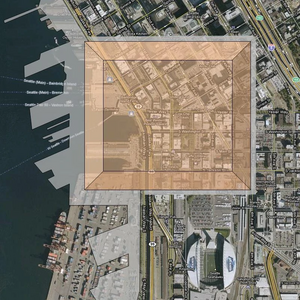
No edit summary |
No edit summary |
||
| Line 8: | Line 8: | ||
* {{Code|color}} (default: {{Code|blue}}) controls the color of the background. The valid options are: {{Box/Color}} | * {{Code|color}} (default: {{Code|blue}}) controls the color of the background. The valid options are: {{Box/Color}} | ||
==Return== | ==Return== | ||
{{Code|<nowiki>{{Imagebox|Scire-footprint-overlay.webp}}</nowiki>}} returns: {{Return|{{Imagebox|Scire-footprint-overlay.webp}}{{Lorem Ipsum| | {{Code|<nowiki>{{Imagebox|Scire-footprint-overlay.webp}}</nowiki>}} returns: {{Return|{{Imagebox|Scire-footprint-overlay.webp}}{{Lorem Ipsum|8}}}} | ||
Revision as of 14:10, 27 March 2023
Template:Imagebox is a variation of Template:Box. It generates image frames with an icon in the upper left corner.
Usage
It accepts one mandatory string parameter and three optional parameters.
1is the image file to be included in the box.width(defaults to300px)color(default:blue) controls the color of the background. The valid options are:
red
green
blue
yellow
purple
cyan
gray
white
Return
{{Imagebox|Scire-footprint-overlay.webp}} returns: